What is a YouTube digestor?
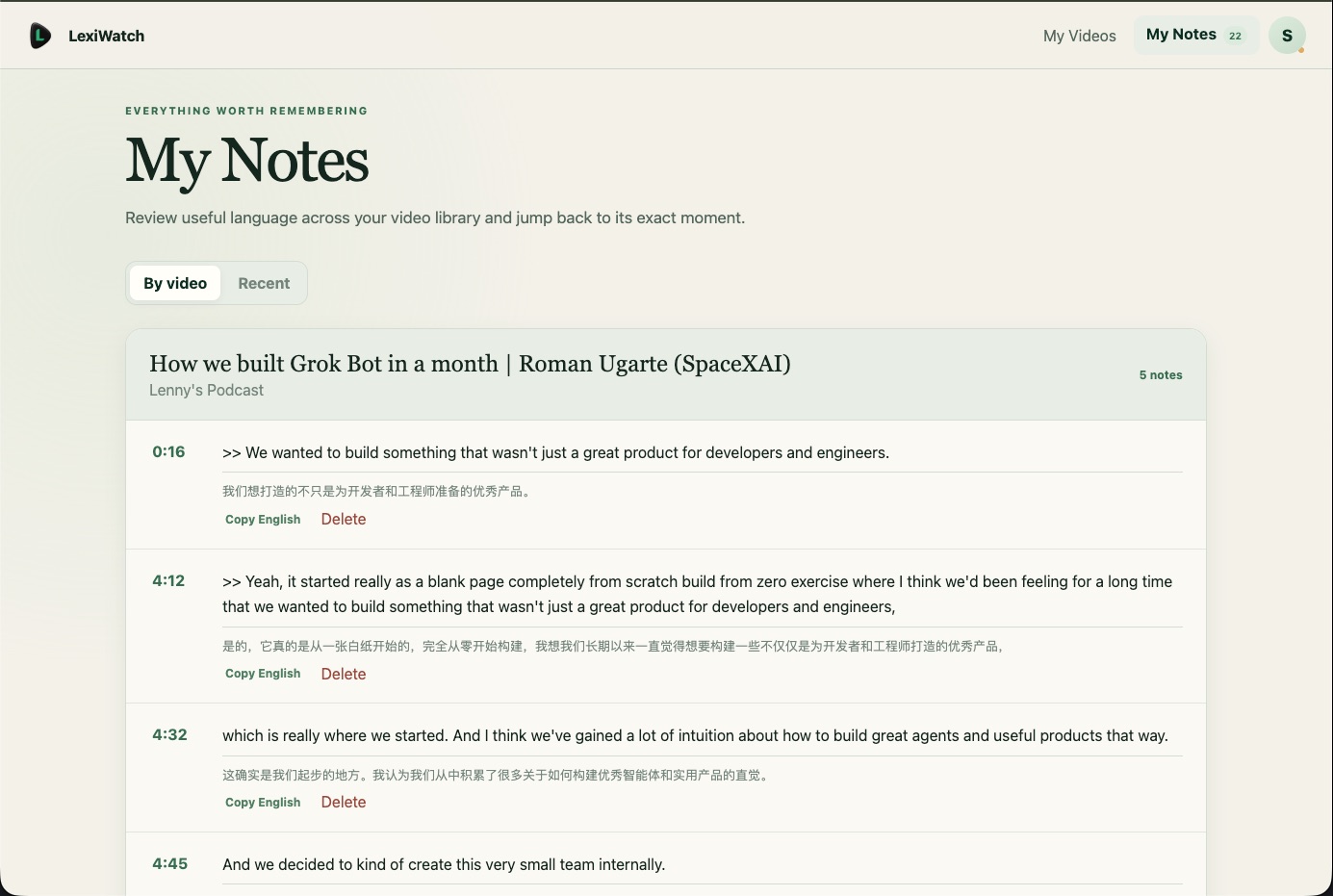
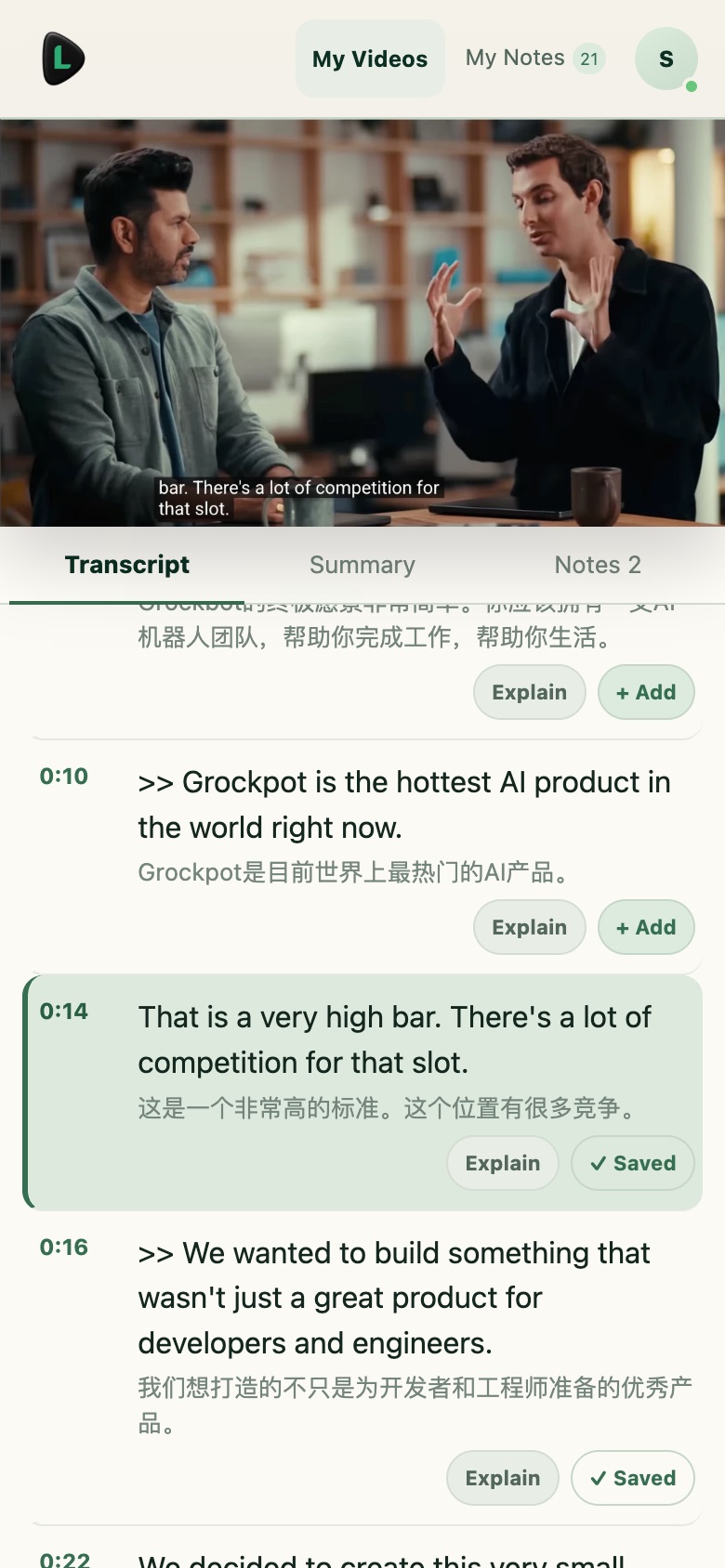
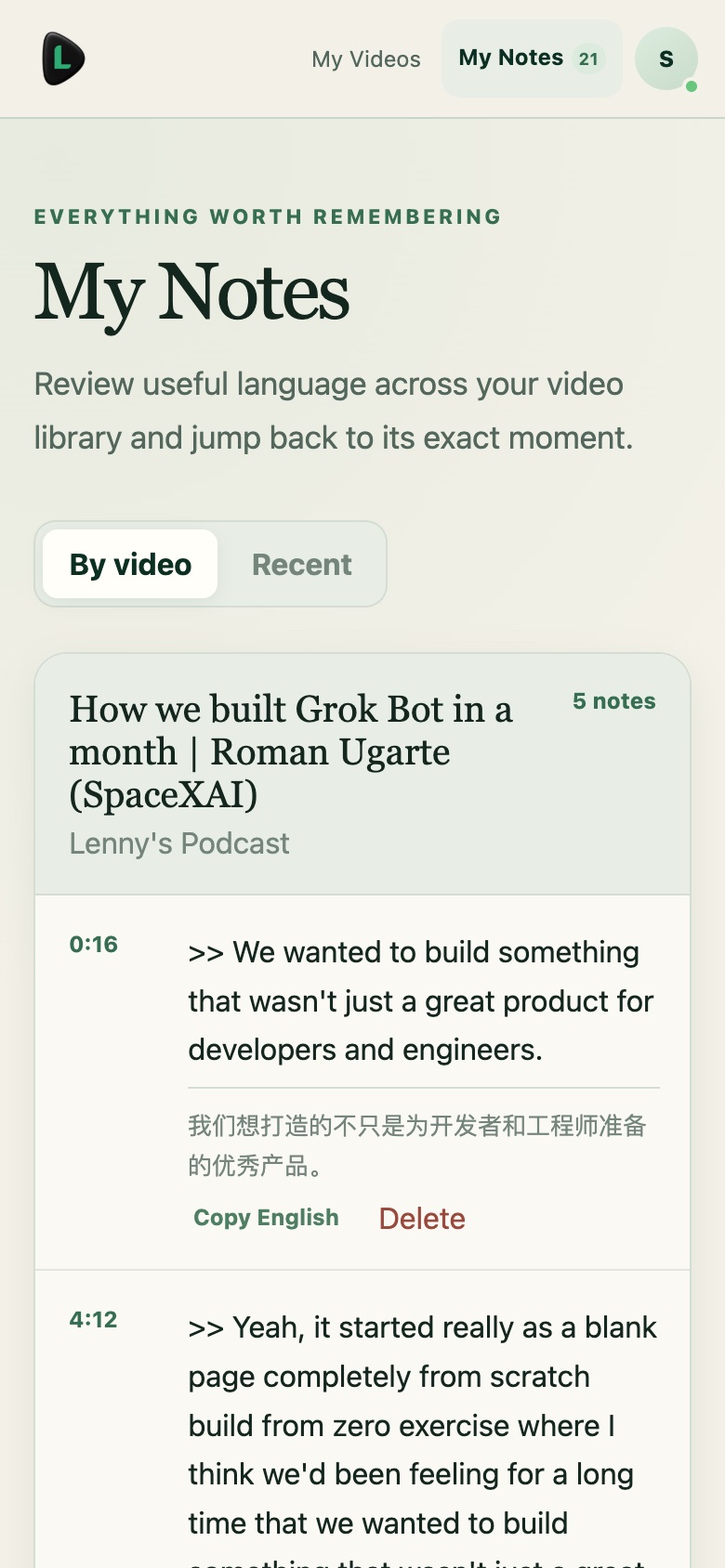
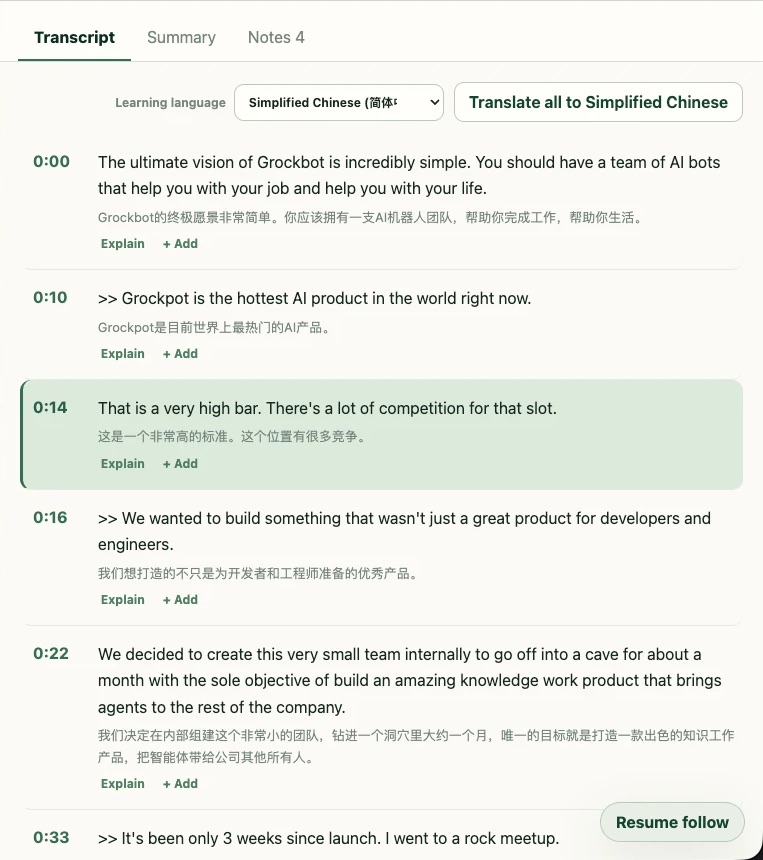
A YouTube digestor — sometimes called a YouTube digester or video summarizer — organizes a long video into something you can study: the transcript, a structured summary, and your own notes. LexiWatch keeps every summary connected to the source, so you can move from a chapter back to the transcript, check the speaker’s exact words, and replay the moment.
Can I use LexiWatch for free?
Yes. The Free plan includes three new video imports per calendar month, with the English transcript, translation support, playback follow, and notes. No card is needed to begin. LexiWatch Pro adds up to 30 videos a month, AI summaries, and explanations.
Does it work with every YouTube video?
LexiWatch works with supported public videos when an English transcript can be retrieved. Availability depends on the source video and transcript provider, so some videos cannot be processed.
Which languages can I translate into?
You can choose from twelve learning languages, including Simplified Chinese, Japanese, and Korean. The translation appears beneath the English transcript as supporting context and never replaces the original English you are listening to.
Can LexiWatch explain difficult English?
Yes. Select an unfamiliar word, idiom, or sentence in the transcript and ask for an explanation. LexiWatch uses the surrounding lines as context and explains the meaning in your learning language, so you understand how the phrase is actually used by the speaker.
Does LexiWatch download or rehost YouTube videos?
No. LexiWatch embeds the YouTube player and organizes transcripts, summaries, explanations, and notes around it. Playback remains provided by YouTube.
How should I use an AI-generated summary?
Treat it as a navigation and study aid rather than a substitute for the source. Generated output may be imperfect, so review important claims against the transcript and replay the relevant timestamp when accuracy or nuance matters.
 LexiWatch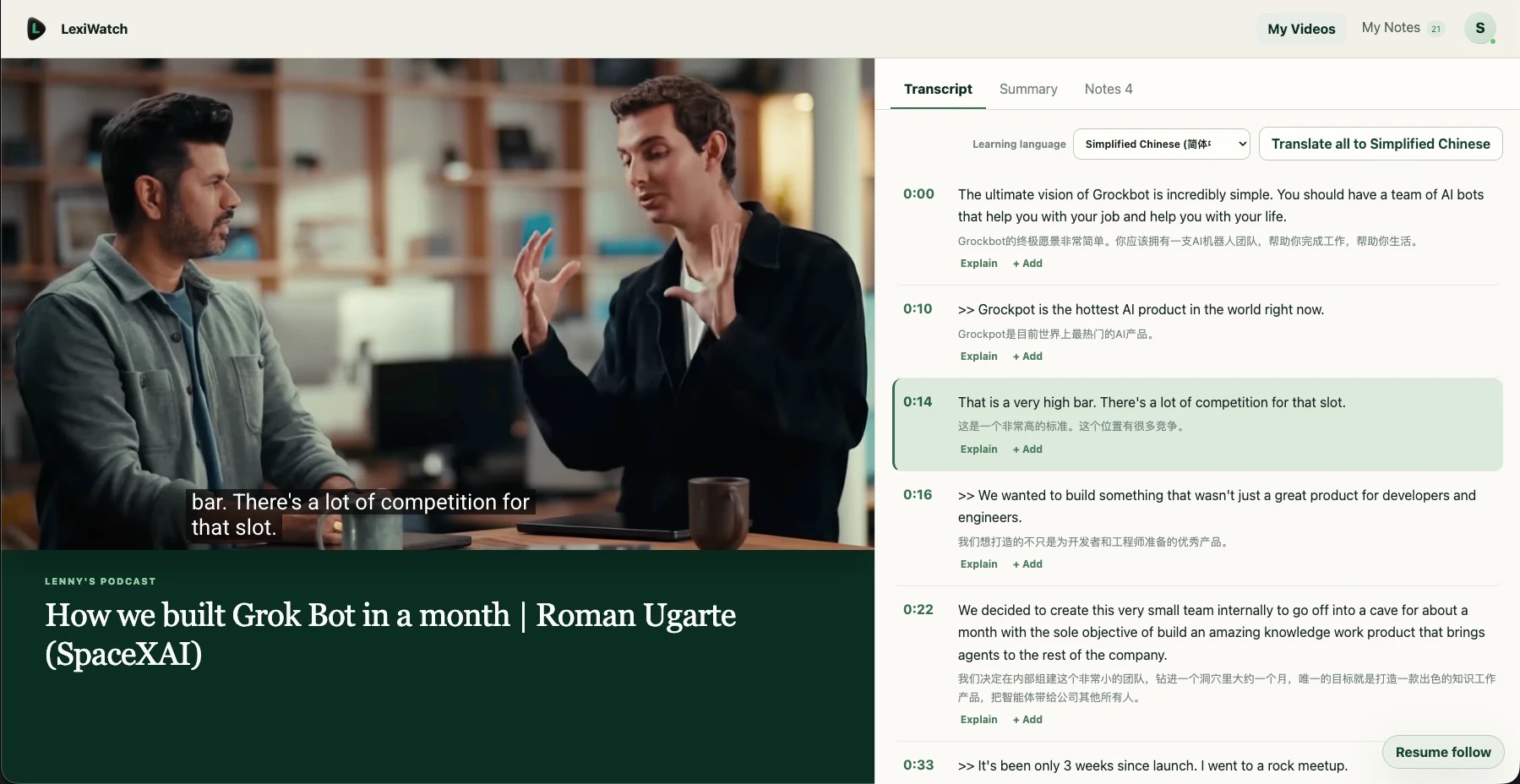
 Translate all